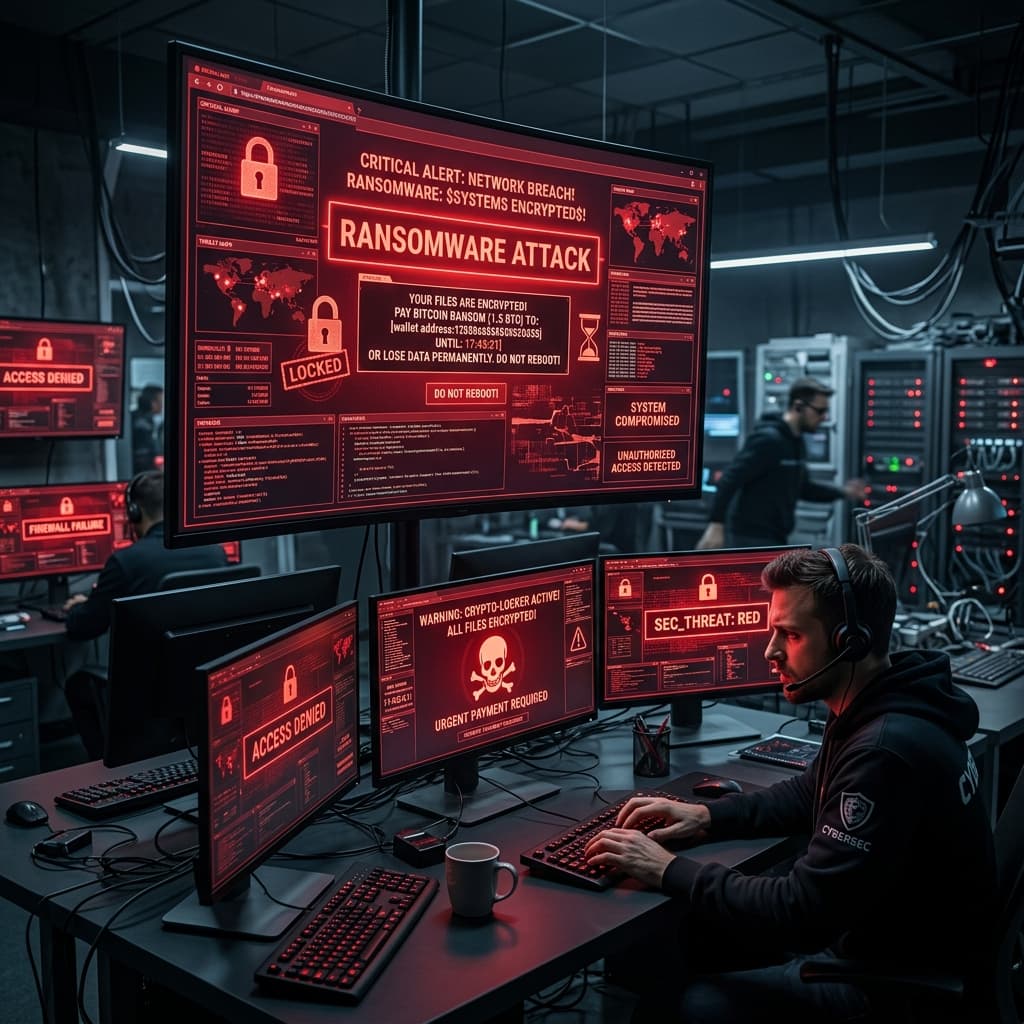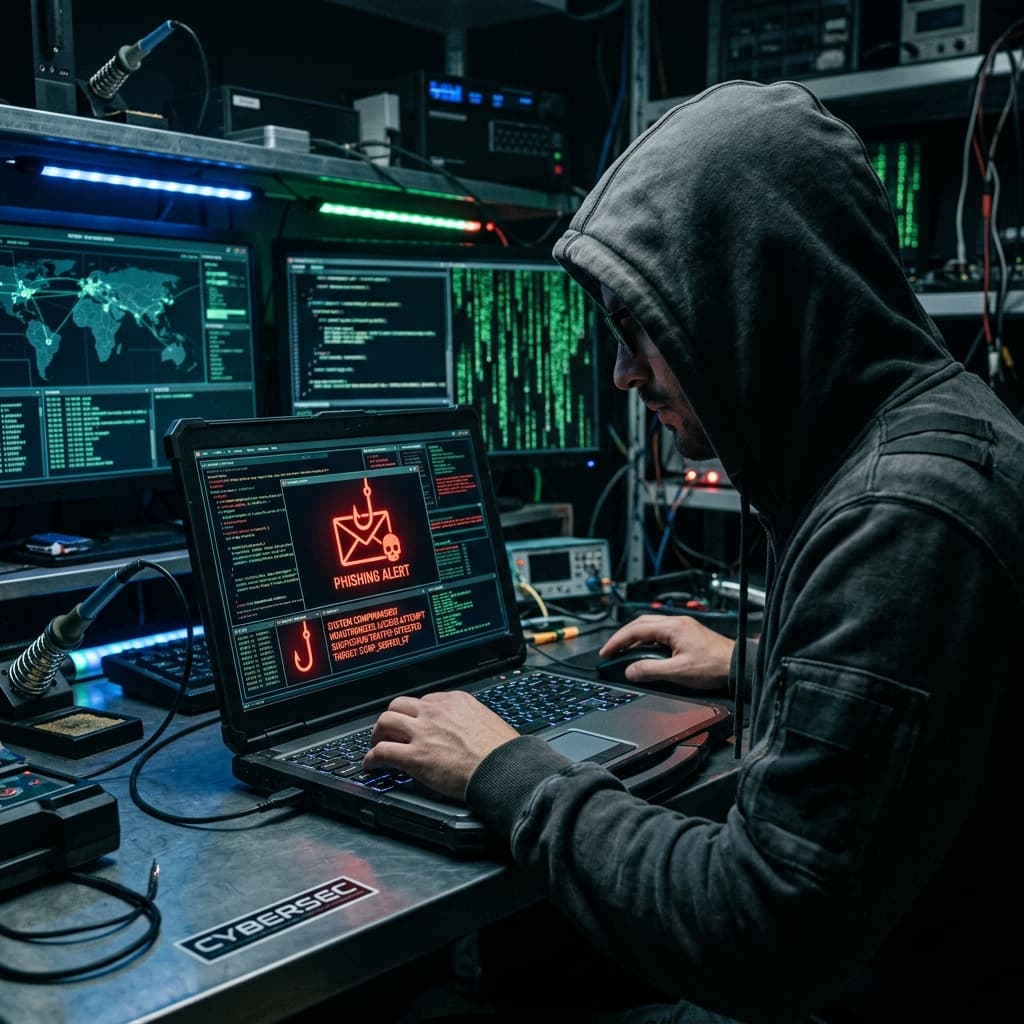
Phishing attacks have evolved into one of the most dangerous and common cybersecurity threats that organizations face today. Cybercriminals rely on deceptive emails, fake websites, and social engineering to trick unsuspecting employees into revealing confidential data such as passwords, financial details, or corporate access credentials.
Understanding how phishing works and learning how to identify fake messages before clicking any links is your first line of defense.
“One wrong click could compromise an entire organization's network.”
WHAT IS A PHISHING ATTACK?
A phishing attack is a form of cybercrime where attackers attempt to steal sensitive data by posing as a legitimate entity in an email, text message, or website.
Cybercriminals use social engineering tactics designed to create panic, urgency, or curiosity to manipulate victims.
HOW PHISHING TYPICALLY WORKS
- An attacker sends a fraudulent email disguised as a trusted brand, bank, or manager.
- The message creates urgency ('Your account will be suspended', 'Urgent invoice', 'Password expiry').
- The victim clicks a malicious link or downloads an infected attachment.
- Credentials or financial info are captured or malware is installed silently on the network.
REAL LIFE EXAMPLE SCENARIO
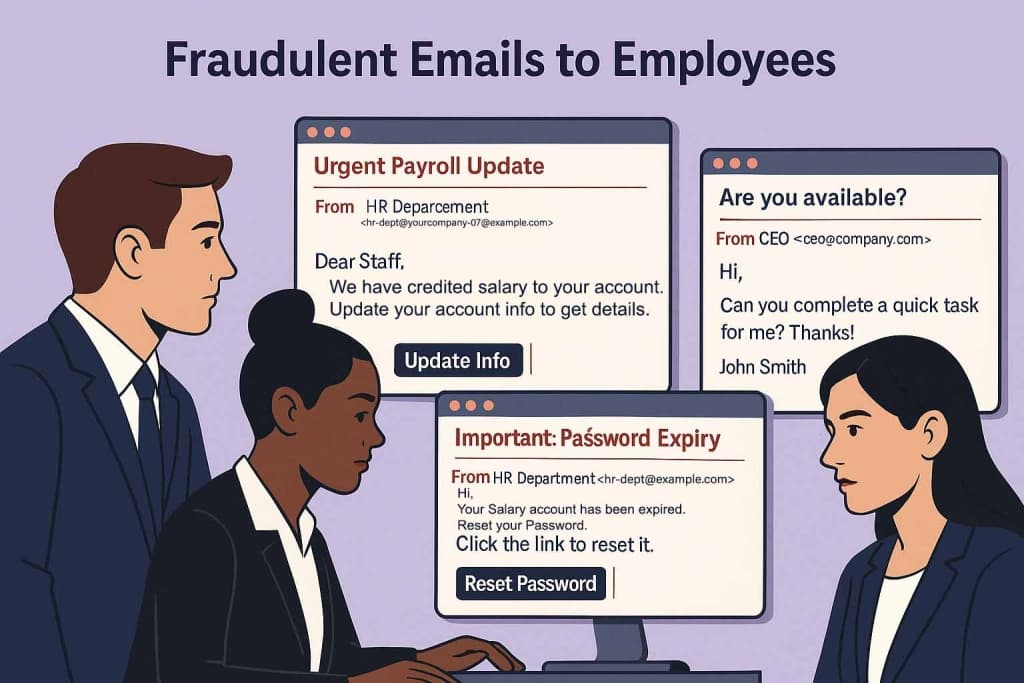
An employee receives an email appearing to come from the company's HR department with the subject line 'Urgent Payroll Update'. The email looks well-designed, carries the company logo, and asks the employee to update their bank details.
Without checking the sender address, the employee clicks the link and enters company credentials on a phishing login page.
WHAT HAPPENS NEXT?
- Attackers gain access to employee email accounts.
- Fake emails are sent to internal clients and partners.
- The company suffers data breach, financial loss, and severe reputational damage.
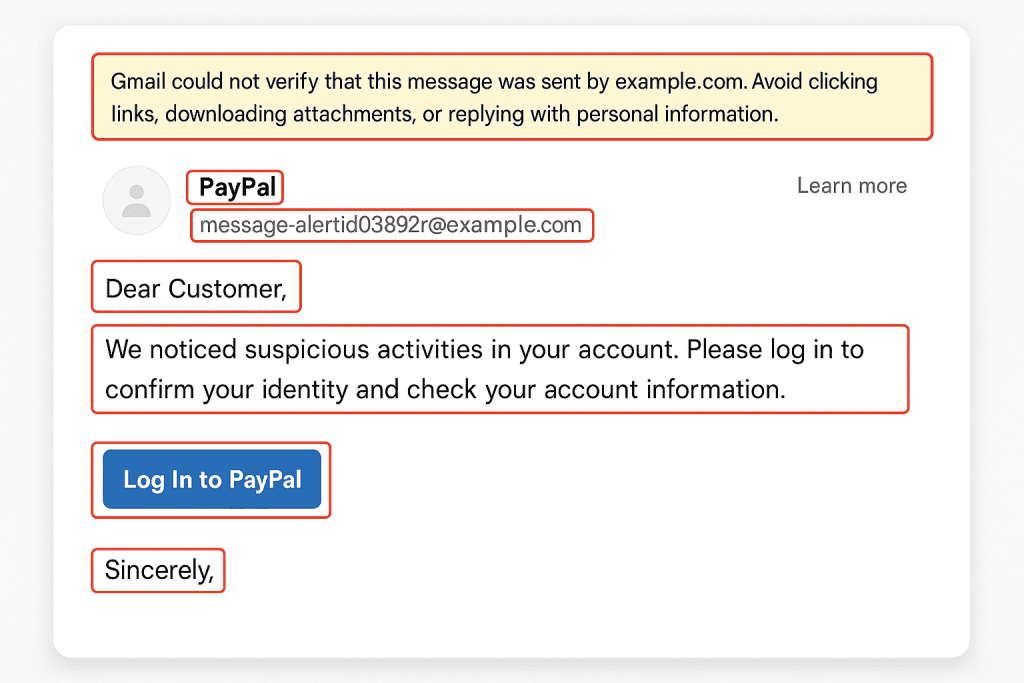
RED FLAGS TO IDENTIFY A PHISHING EMAIL
- Mismatched or suspicious sender domain name
- Urgent or threatening tone forcing immediate action
- Generic greetings like 'Dear Customer'
- Unexpected attachments (.zip, .exe, or macro-enabled files)
- Mismatched URLs when hovering over buttons or links
- Grammatical errors or odd letter formatting
HOW TO PREVENT PHISHING ATTACKS
- Verify the sender address: Check the full email address, not just the display name.
- Hover over links before clicking: Ensure the target URL matches the official brand website.
- Enable Multi-Factor Authentication (MFA): MFA provides a vital secondary defense layer against compromised credentials.
- Conduct employee security awareness training: Regularly train staff and conduct phishing simulations.
- Report suspicious emails immediately: Establish quick reporting protocols to isolate threat attempts.
WHAT TO DO IF YOU CLICKED A PHISHING LINK
- Disconnect your device from Wi-Fi / Ethernet immediately.
- Change affected passwords immediately.
- Report the incident to your IT security team.
- Scan your system for malware.
- Monitor bank accounts & financial activity for fraud.
CRITICAL TAKEAWAYS
Phishing attacks rely on human deception rather than technical bugs alone. By educating employees, implementing multi-factor authentication, and maintaining vigilance, organizations can protect their digital assets.
If you receive a suspicious message or suspect a credential leak, contact the SPIS Cybersecurity Emergency Helpline team for immediate mitigation.
Conclusion
Phishing relies on human manipulation. Staying alert, double-checking links, and reporting suspicious emails are essential habits for every team member.